
HP OfficeJet 4650 Ink Cartridges
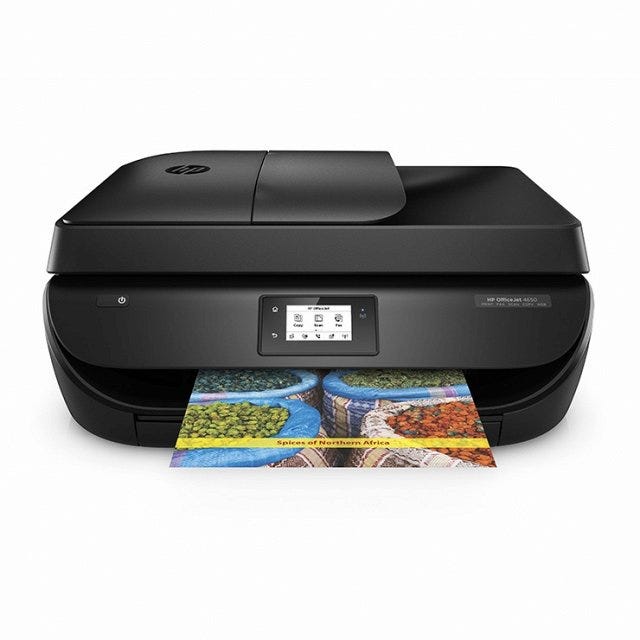
Ink Cartridges for the HP OfficeJet 4650
-
 HP63XLSETReman HP 63XL HY Black & Color Ink SetReg. Price $44.99 Our Price $33.98Avg Price Per Cartridge: $16.99In Stock
 -
 L0R46ANOEMHP L0R46AN Original (63) Black and Tri-color Ink in Retail Packaging 2-PackReplaces: HP 63, L0R46ANOur Price $65.99Avg Price Per Cartridge: $33.00In Stock
 -
 L0R44BNOEMHP 63XL 2-pack High-Yield Black/Tri-Color Original L0R44BN Ink Cartridge in Retail PackagingColorPage Yield330 each Pages*Our Price $87.82Backordered
Notify me when product is in stock:
-
 X4E32ANOEMHP 63 2-Pack Black/Tri-Color Ink Cartridges X4E32ANColorPage Yield355 Pages*Our Price $39.99Backordered
Notify me when product is in stock:
-
 L0R48ANOEMHP L0R48AN Original (63XL) Black/Tri-Color Ink in Retail PackagingReplaces: HP 63, L0R48ANColorPage Yield645 Pages*Avg Price Per Cartridge: $42.99Coming Soon
Notify me when product is in stock:
Many consumers are worried if the use of compatible or aftermarket printing supplies will void their printer's warranty. The answer is no.
More simply put, this means that your printer warranty cannot be voided just because you choose to use compatible products unless the manufacturer can prove that the compatible product caused direct damage to your printer. In cases such as this, the manufacturer may choose not to repair your printer but your warranty would remain in effect for all other warranty issues.
For more information see:
MAGNUSON-MOSS WARRANTY
IMPROVEMENT ACT
United States Code Annotated
Chapter 50 Consumer Product Warranties
15 Section 2302 Section C
HP OfficeJet 4650 Ink Frequently Asked Questions
What ink does HP OfficeJet 4650 use?
The HP 4650 uses HP 63 and 63XL ink cartridges which come in black and tricolor. Both cartridges are needed for your printer to work. The tricolor cartridge contains cyan, magenta, and yellow ink. HP 63 and HP 63XL aftermarket cartridges come with a new chip and are guaranteed to work just like an original HP cartridge.What is the difference between HP 63 and 63XL ink?
The HP 63 and 63XL are mostly the same except that the 63XL is a high yield cartridge which contains more ink and can print more pages. It is not larger than a standard HP 63 (it looks exactly the same) but it holds more ink volume than a standard HP 63. There's a high yield cartridge counterpart for both the black and tricolor cartridge. Installation of high yield 63XL is the same as installing a standard HP 63. Aftermarket HP 63XL ink cartridges contain the same ink volume as original HP 63XL black cartridges.How many pages can it print?
A black standard HP 63 cartridge can print up to 190 pages while the HP 63XL black prints up to 450 pages. A tricolor standard HP 63 cartridge can print up to 165 pages. A high yield tricolor HP 63 cartridge can print up to 330 pages.Is HP OfficeJet 4650 an inkjet printer?
Yes, it is. It's an all-in-one wireless inkjet printer that also has copy, scan, and fax capabilities.How do I install ink cartridges in my HP 4650 printer?
1. Make sure your printer's turned on. 2. Lift the printer's scanner unit. The printhead will start moving. Wait for the printhead to stop at the center. 3. To remove the empty cartridge from its slot, lift the lid and then gently pull out the cartridge. 4. Remove the new cartridge from its packaging. 5. Pull off the tape that's covering the nozzles using the pull tab. Avoid contact with the copper contacts or the ink nozzles. Touching these can result in printer errors or ink clogs. 6. Install the new cartridge on the empty slot. If you're replacing black, make sure the new black cartridges goes to the right. If you're replacing the tricolor cartridge, insert the new cartridge on the slot to the left. 7. Close the lid. Close the scanner unit. The printhead will start moving again. Wait for it to stop before you start printing again. HP OfficeJet 4650 All-in-One cartridges are available to you right on our site. Buy original HP ink cartridges and enjoy clear, accurate printouts from your HP OfficeJet 4650 All-in-One.
Reliability for a Lifetime
Our 100% satisfaction guarantee means you can shop with peace of mind. Our cartridges have been tested and monitored for performance quality and page yield. In the event that you are dissatisfied with your purchase, we will do our best to make it right. All of our LD-brand compatible ink and toner products are backed by a lifetime guarantee.